Persona
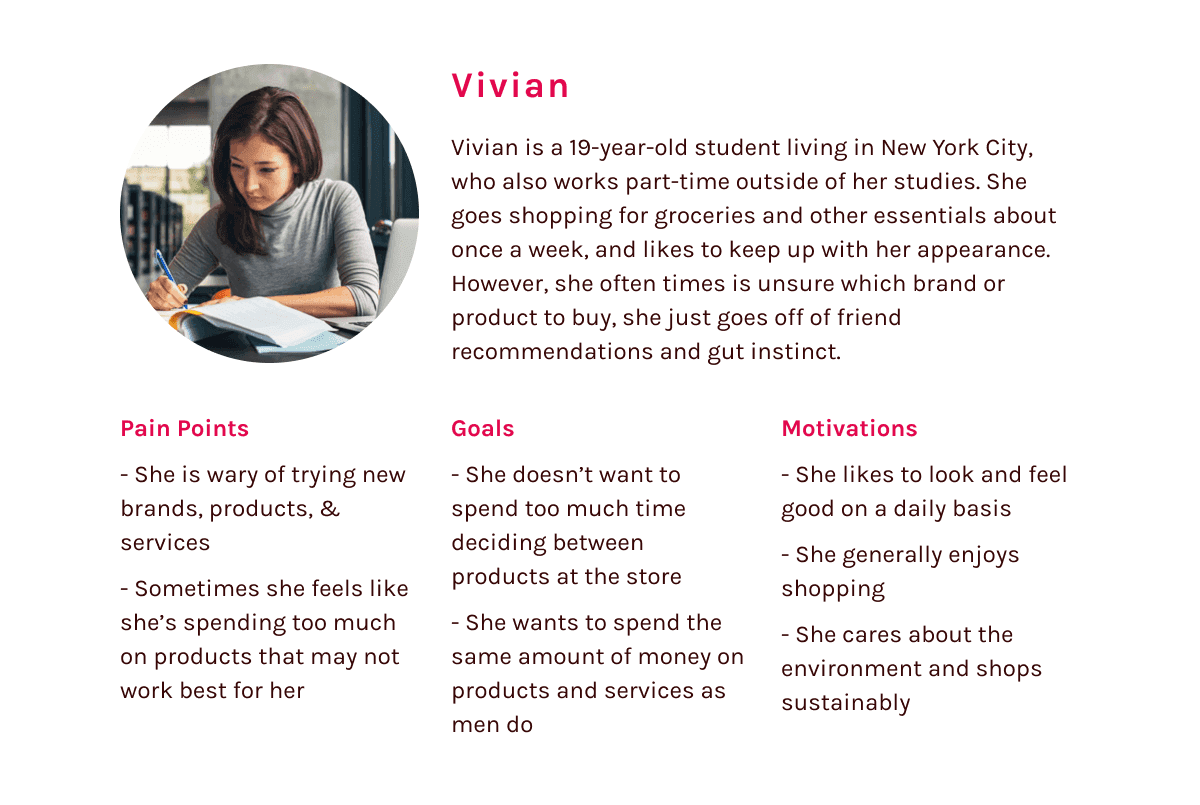
From there, I developed a persona based on my research. This persona encompasses my main target demographic– young women who have capital to spend, but are frequent targets of the pink tax.
Discovery
With a better understanding of the problem and general reaction, I formulated a problem statement and a hypothesis.
Problem Statement
Women need a way to easily compare the quality and price of their purchases, because they want to save money and spend the same amount for said items as men do.
Hypothesis
I believe that by creating a feature that can evaluate and compare similar items marketed for different genders, we can promote gender neutral shopping and help consumers save money.
At this point, I started to think of an ecommerce product as a potential solution. Since the pink tax covers essentially every area of consumerism, I knew I needed to narrow my scope. I decided to focus on personal care products, since 1) the industry has the highest discrepancy in pricing and 2) personal care and hygiene impacts everyone.
Competitive Analysis
To find out what was missing from current commerce experiences, I looked at popular retailers, specifically Target and Amazon, to see if they were doing anything to disrupt the pink tax.
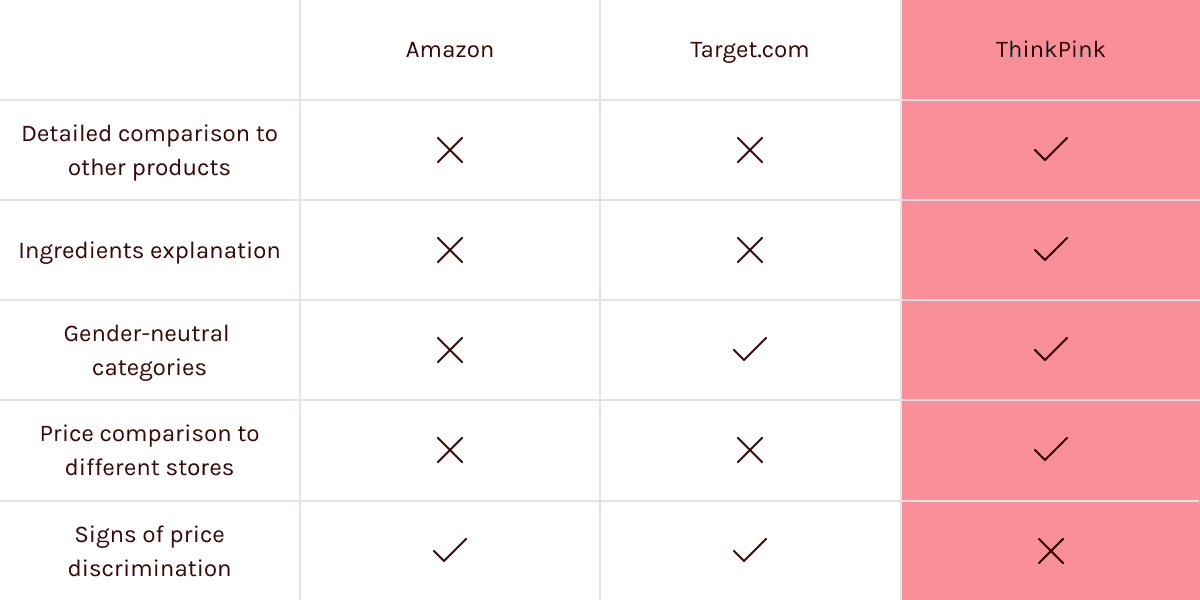
Long story short, popular retailers contribute to this discrimination by categorizing their products into gender categories and aren’t doing much to help and inform their customers, particularly women.
Features
With this in mind, it was time for me to formulate a solution. I did another round of interviews to determine what users would look for in a digital product for personal care.
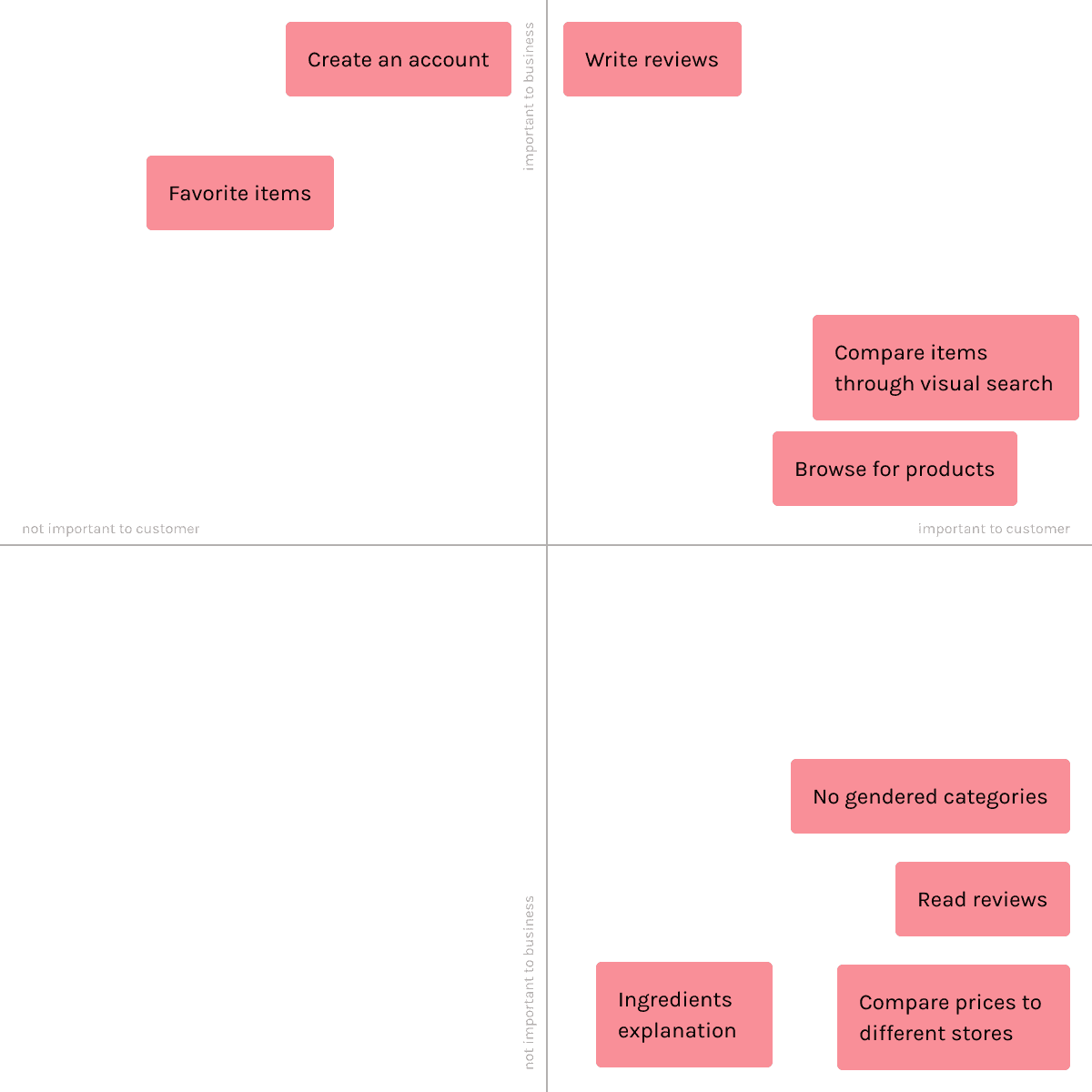
From here, I realized that a mobile app would be the best medium, since most people buy their products in person, an on-the-go solution would be more useful.
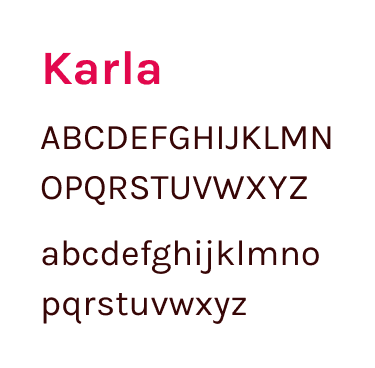
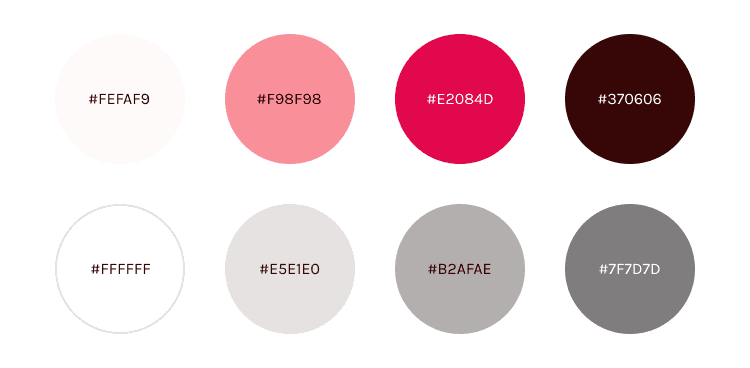
Branding
Onboarding
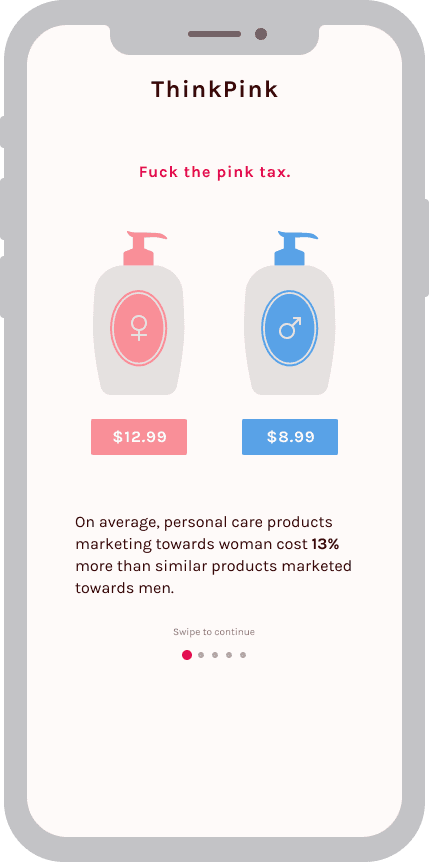
Step 1
Step 2
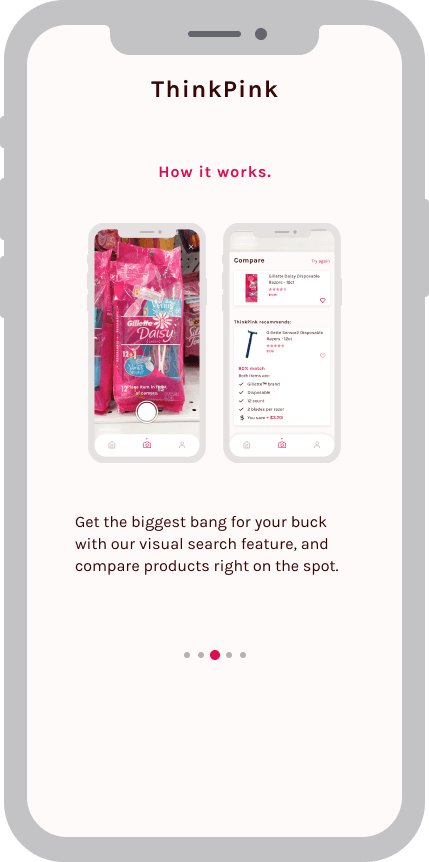
Step 3
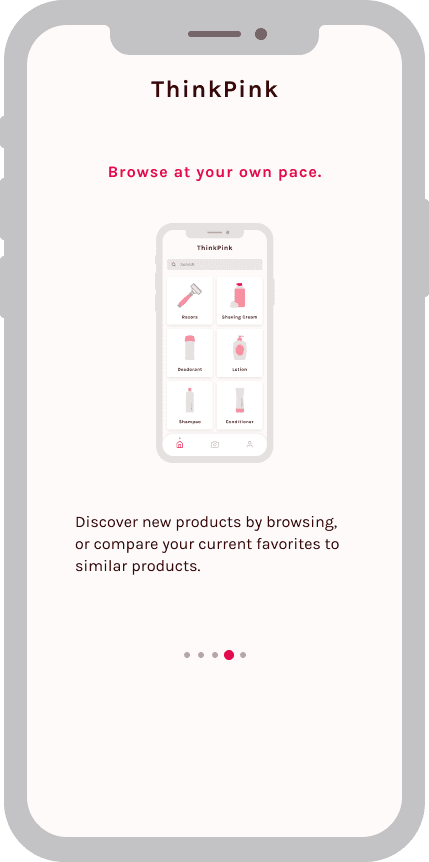
Step 4
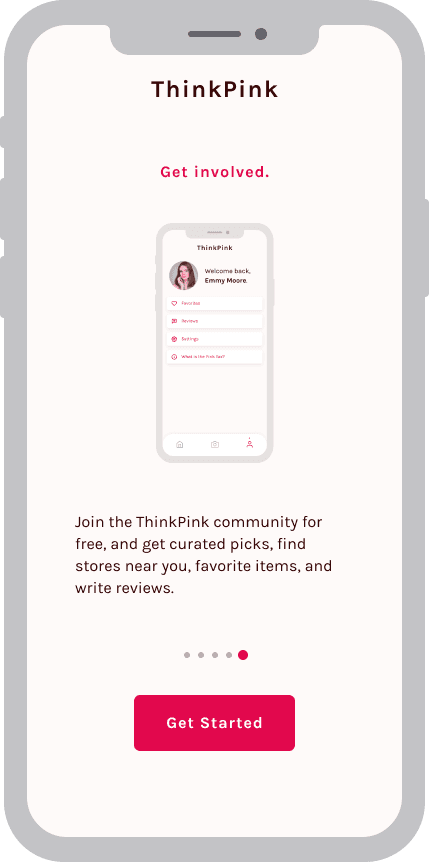
Step 5
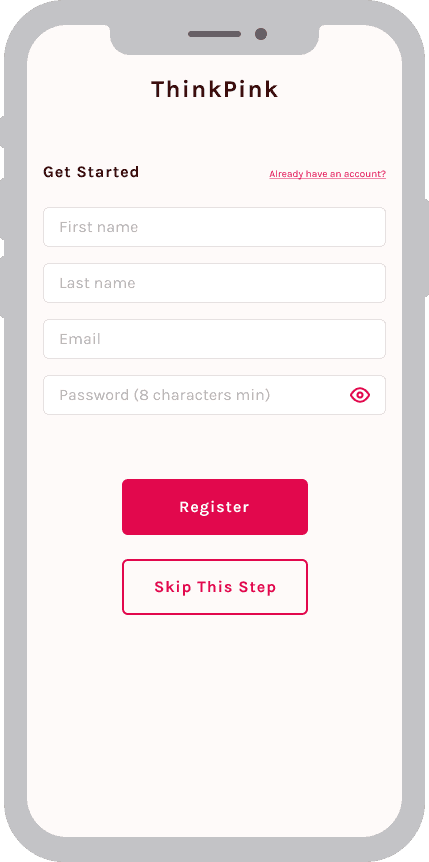
Step 6
Compare
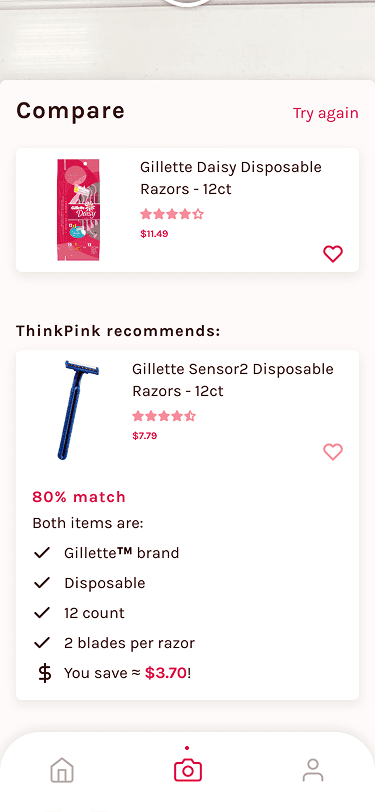
You can use the ThinkPink app on-the-go, if you see a personal care product and want to know if it’s the best bang for your buck, use our visual search feature and cutting-edge algorithm that detects similar descriptions between your product and other products and gives you a percentage match!
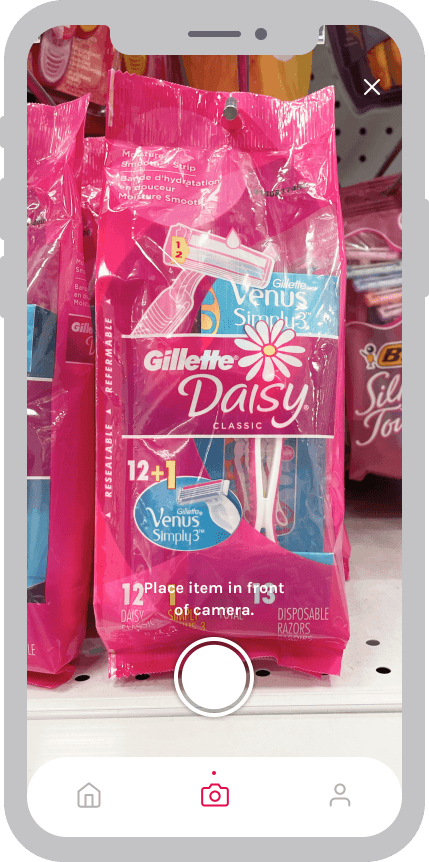
Step 1 - Take picture
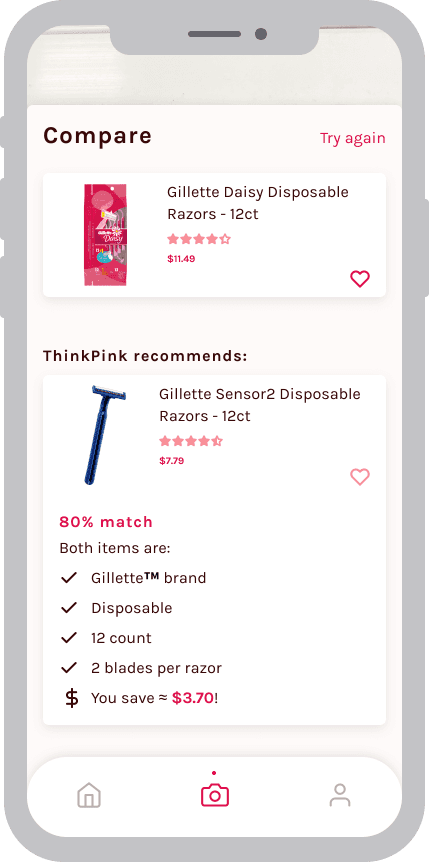
Step 2 - Compare products
Browse
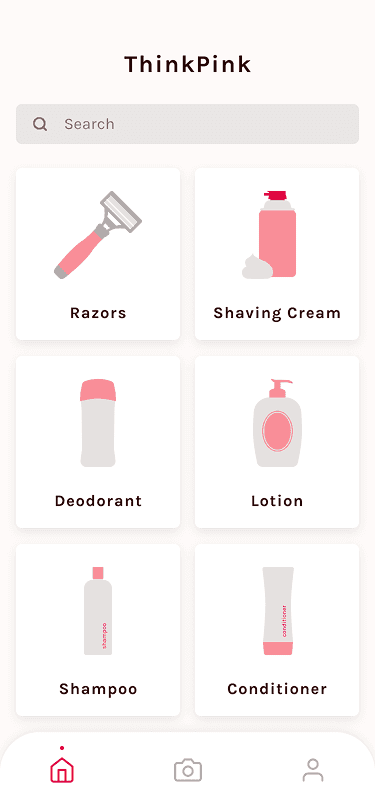
Or, you can discover new products casually, and see if your current favorite products are the best matches for you! I chose the categories based off of the New York City Department of Consumer Affairs study.
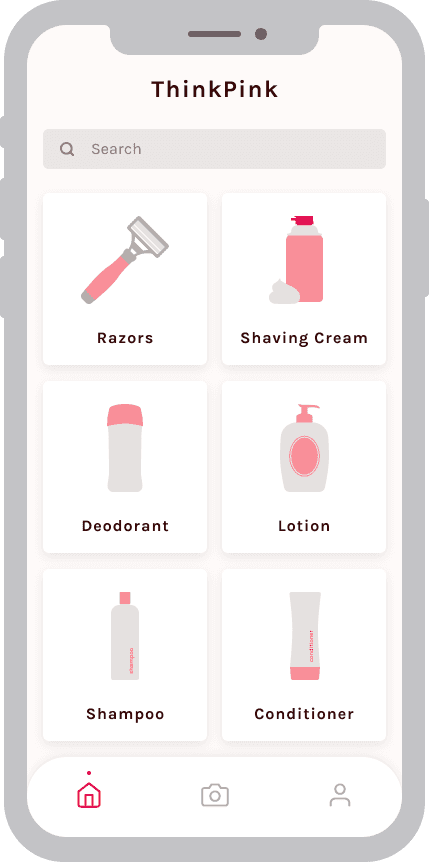
Step 1 - Select a category
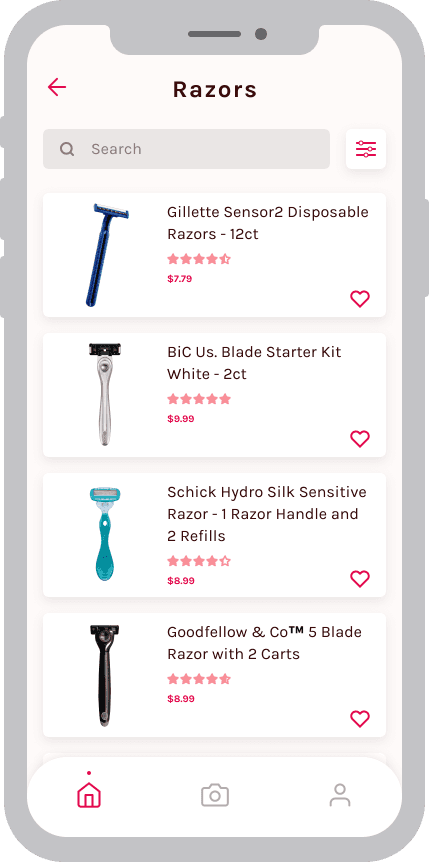
Step 2 - Select a product
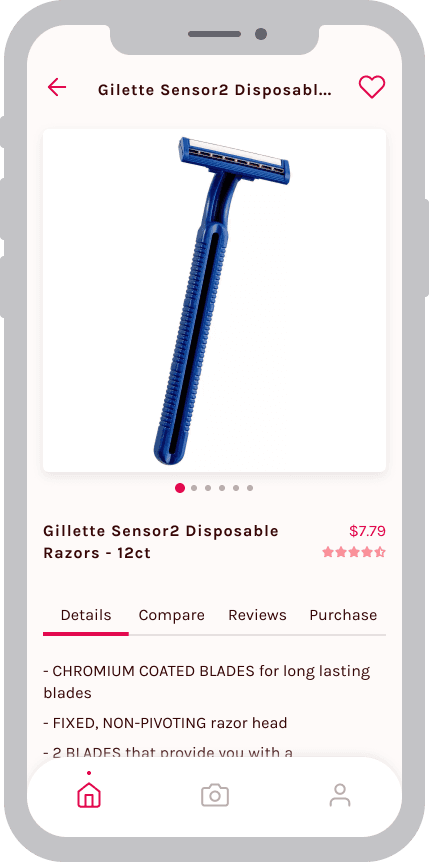
Step 3 - Product page details tab
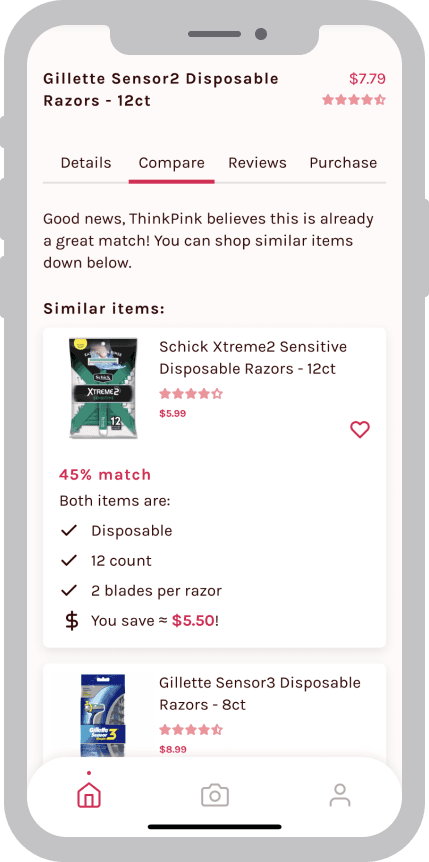
Step 4 - Product page compare tab
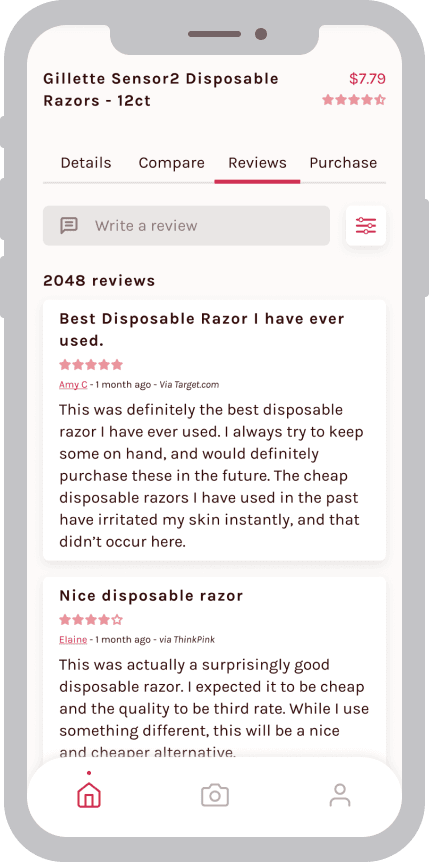
Step 5 - Product page reviews tab
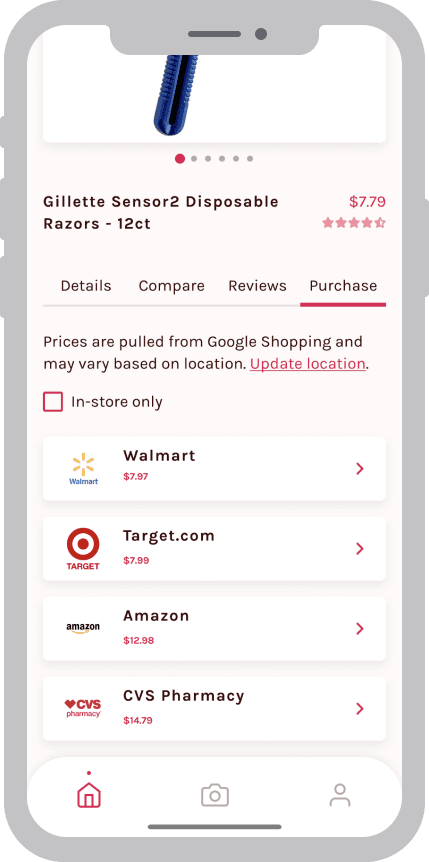
Step 6 - Product page purchase tab
Account
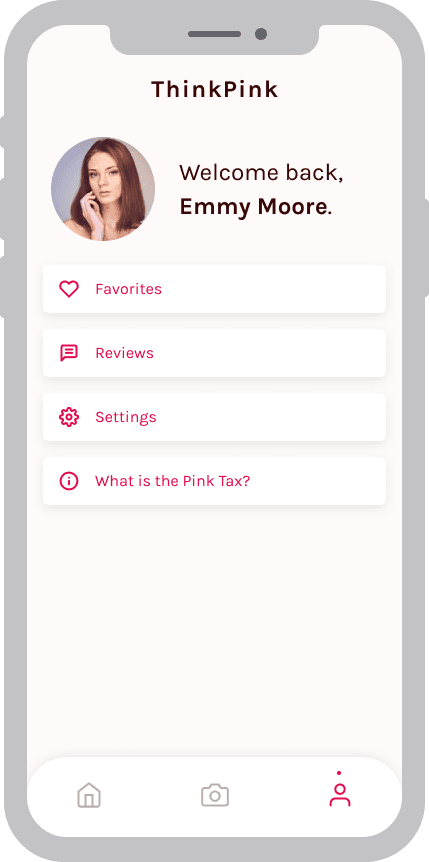
Register an account and get curated picks, find stores near you, favorite items, and write reviews.